
Free on the App Store
Memorial App for iPhone and iPad
Scan the QR code on a plaque, prayer card or funeral program and the memorial opens straight away. Every memorial you visit is saved in the app, ready for the next time you want to remember.

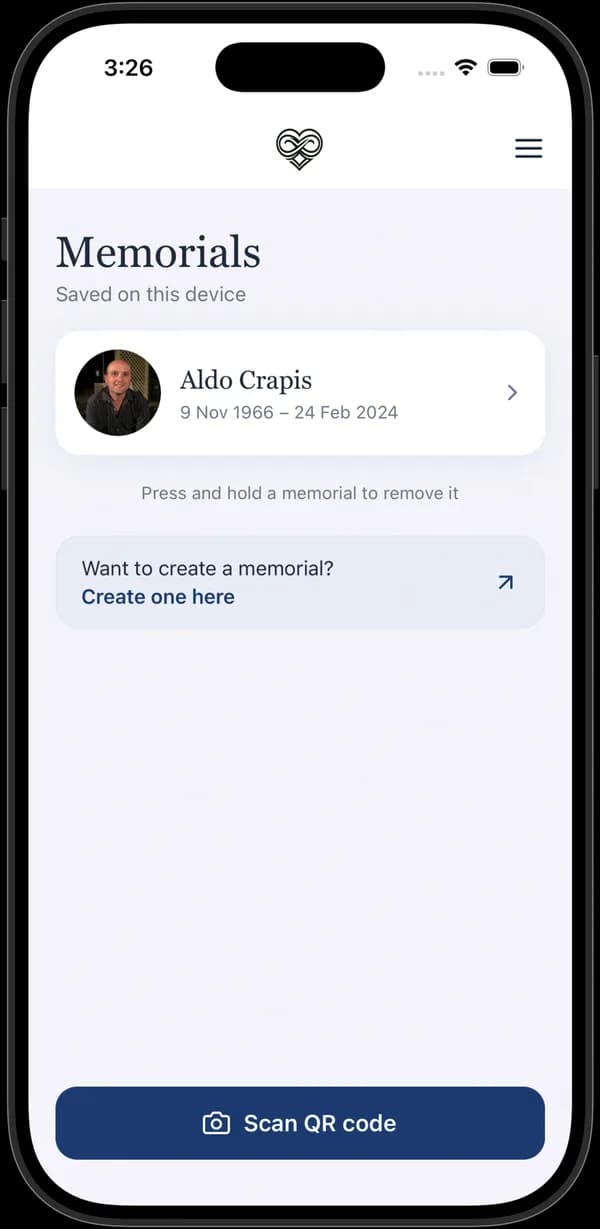
Their Memorial, in Your Pocket
Everything on the memorial page is there in the app: the obituary, the life timeline, the gallery and the tributes.
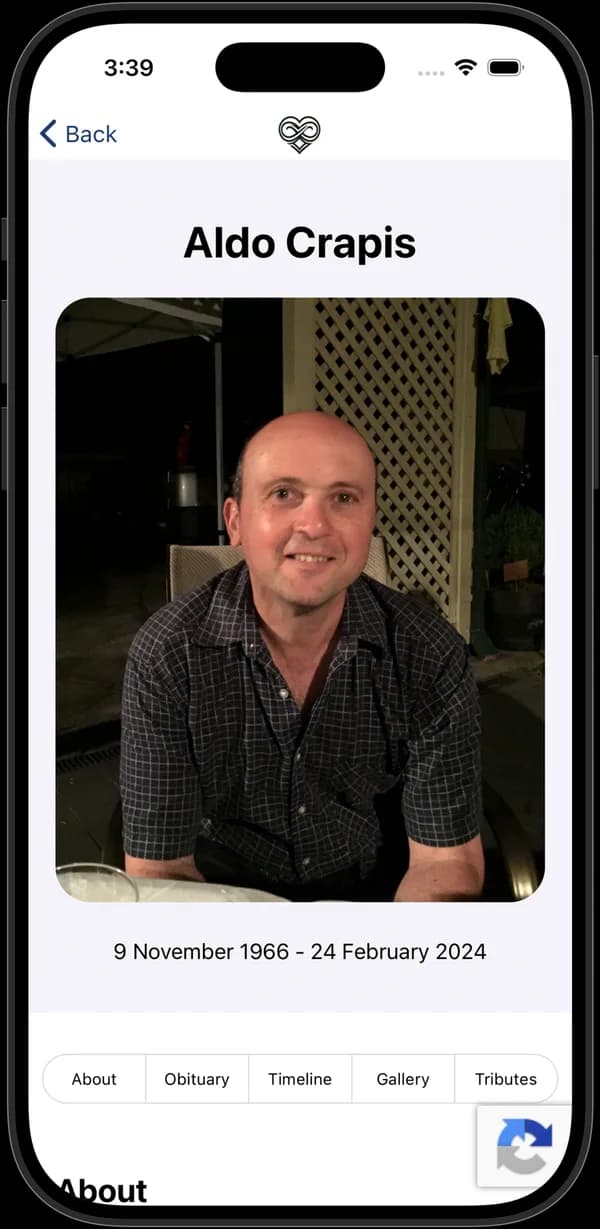
The Whole Memorial
Open a memorial to see their photo, their dates and everything the family has shared.
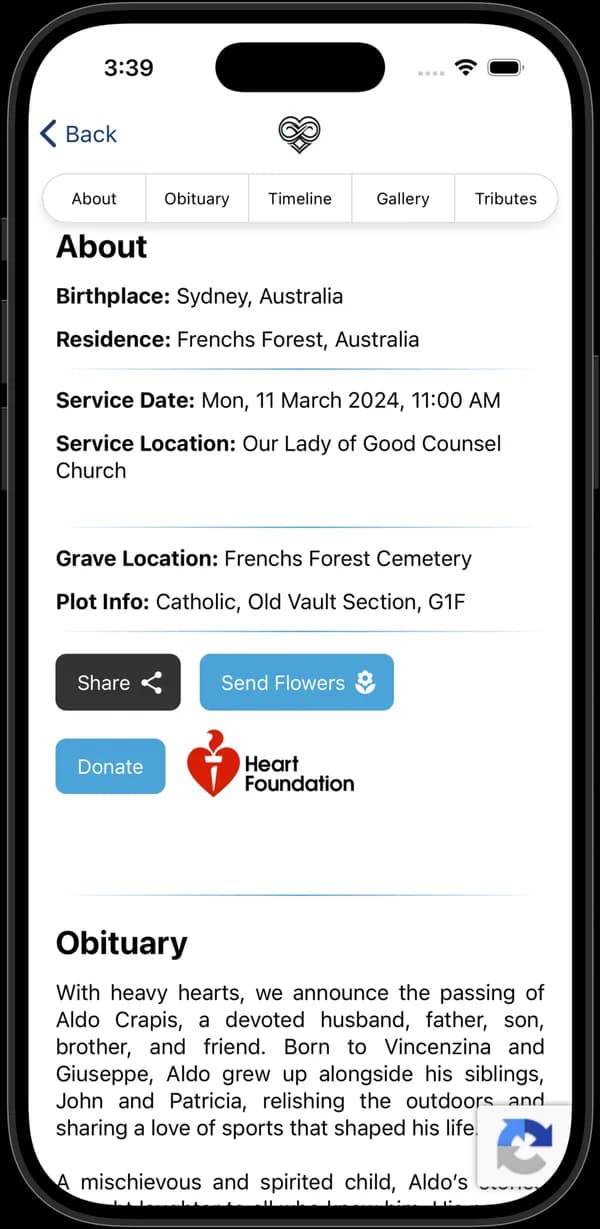
Service and Resting Place
Find the service details and where they rest, and share the memorial with others.
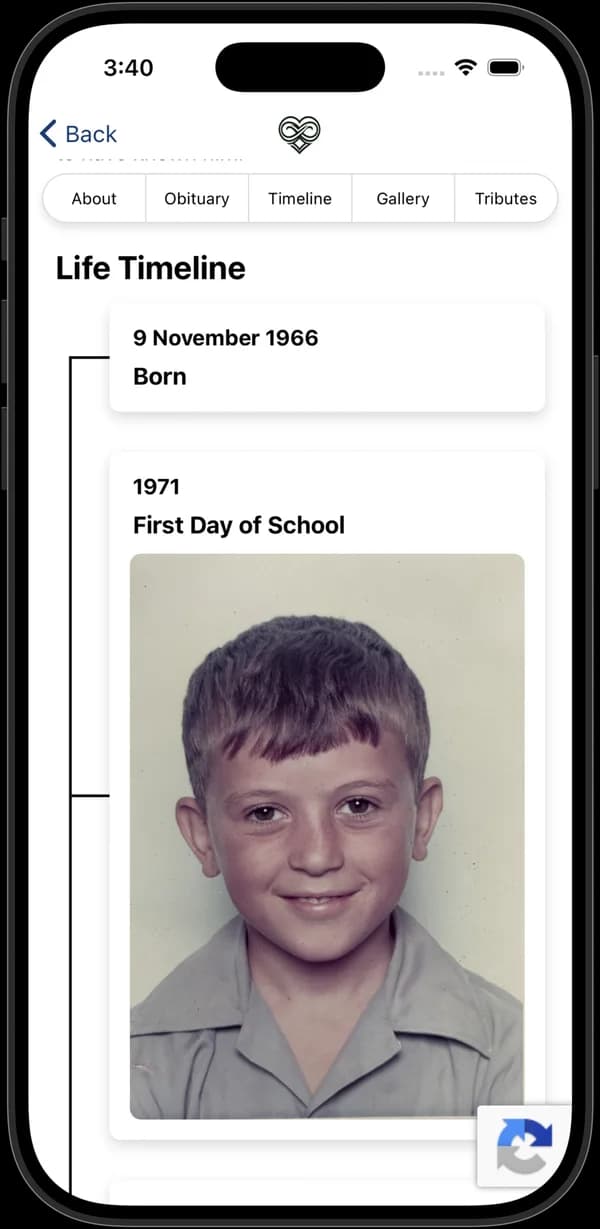
Life Timeline
Scroll through the moments of their life, each with its own photo or story.
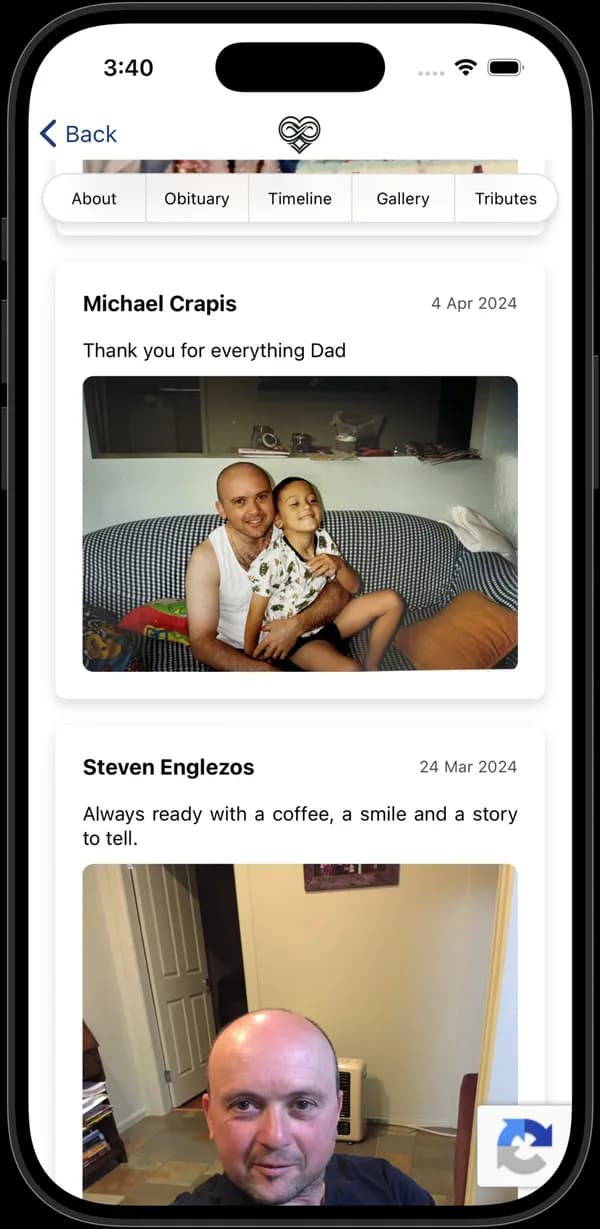
Tributes
Read the messages and photos left by family and friends.
Not on an iPhone or iPad?
The app is on the Apple App Store for now. On an Android phone or tablet, or on a computer, you don't need it: every memorial opens in a web browser, and your camera can scan a memorial QR code.
Questions About the App
Is the Forever In Our Hearts app free?
Yes. The app is free to download from the App Store.
Which devices does the app work on?
The app is for iPhone and iPad. Download it from the Apple App Store.
Is there an Android app?
Not at the moment. On an Android phone or tablet, every memorial opens in a web browser, and the camera can scan a memorial QR code without an app.
How do I scan a memorial QR code?
Open the app, tap Scan QR code and point the camera at the code on the plaque, prayer card or funeral program. The memorial opens and is added to your saved memorials.
Can I create a memorial in the app?
The app is for visiting memorials. Memorials are created and edited on the Memorial Hub website, which the app links to.
How do I remove a saved memorial?
Press and hold the memorial in your saved list to remove it from the app. The memorial itself stays online.

Start Their Memorial Today
Set up a page in a few minutes, then add photos and memories whenever you're ready.